Navigate at light speed
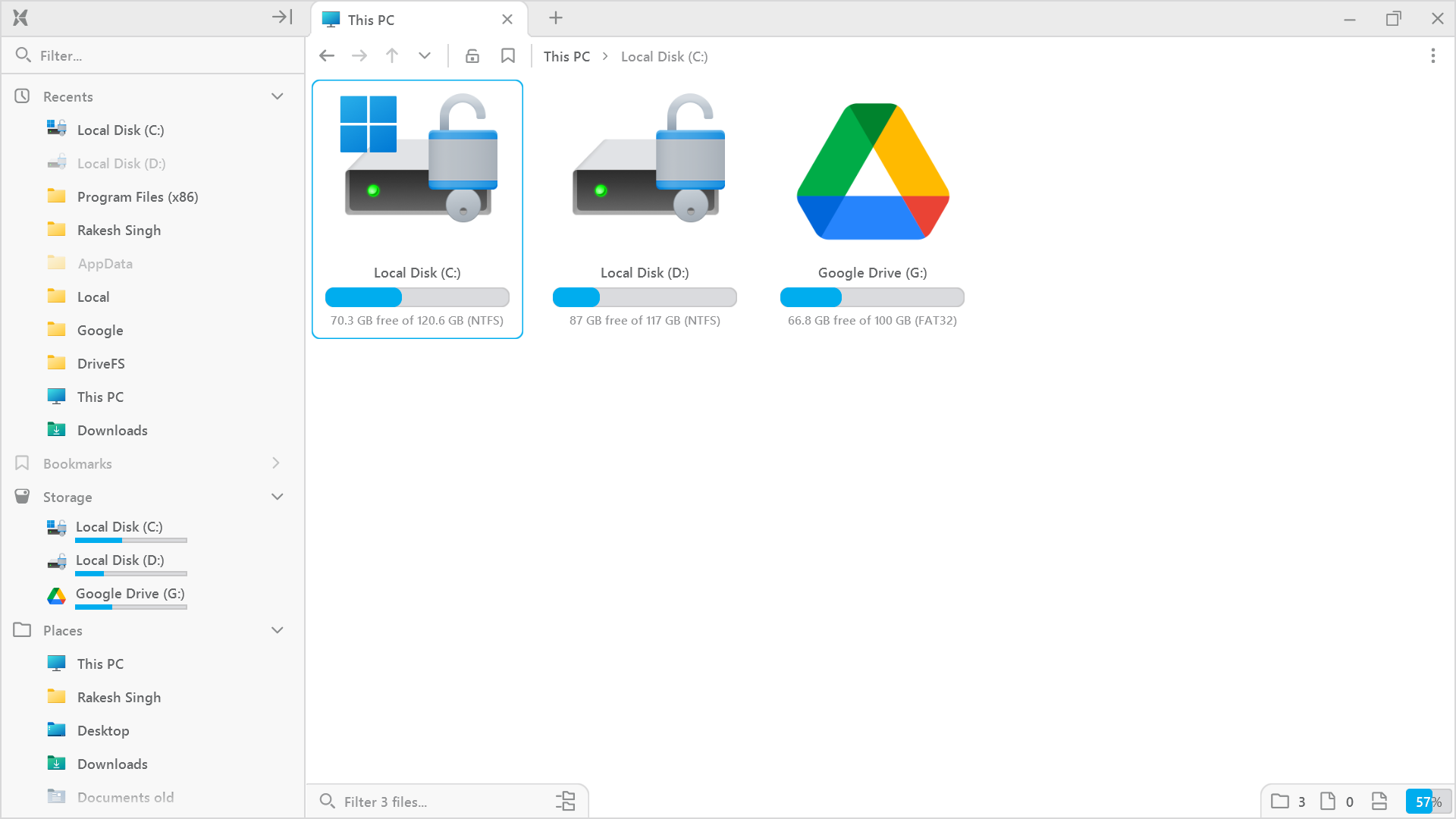
A fast and modern file explorer built around your files.
Runs standalone. Yours to keep.
Beta v0.8.5
|
2.46 MB
|
Windows 7-11
Faster than your thoughts
Crafted for seamless performance, delivering results in the blink of an eye. Never wait on your files again.
Interactivity at its core
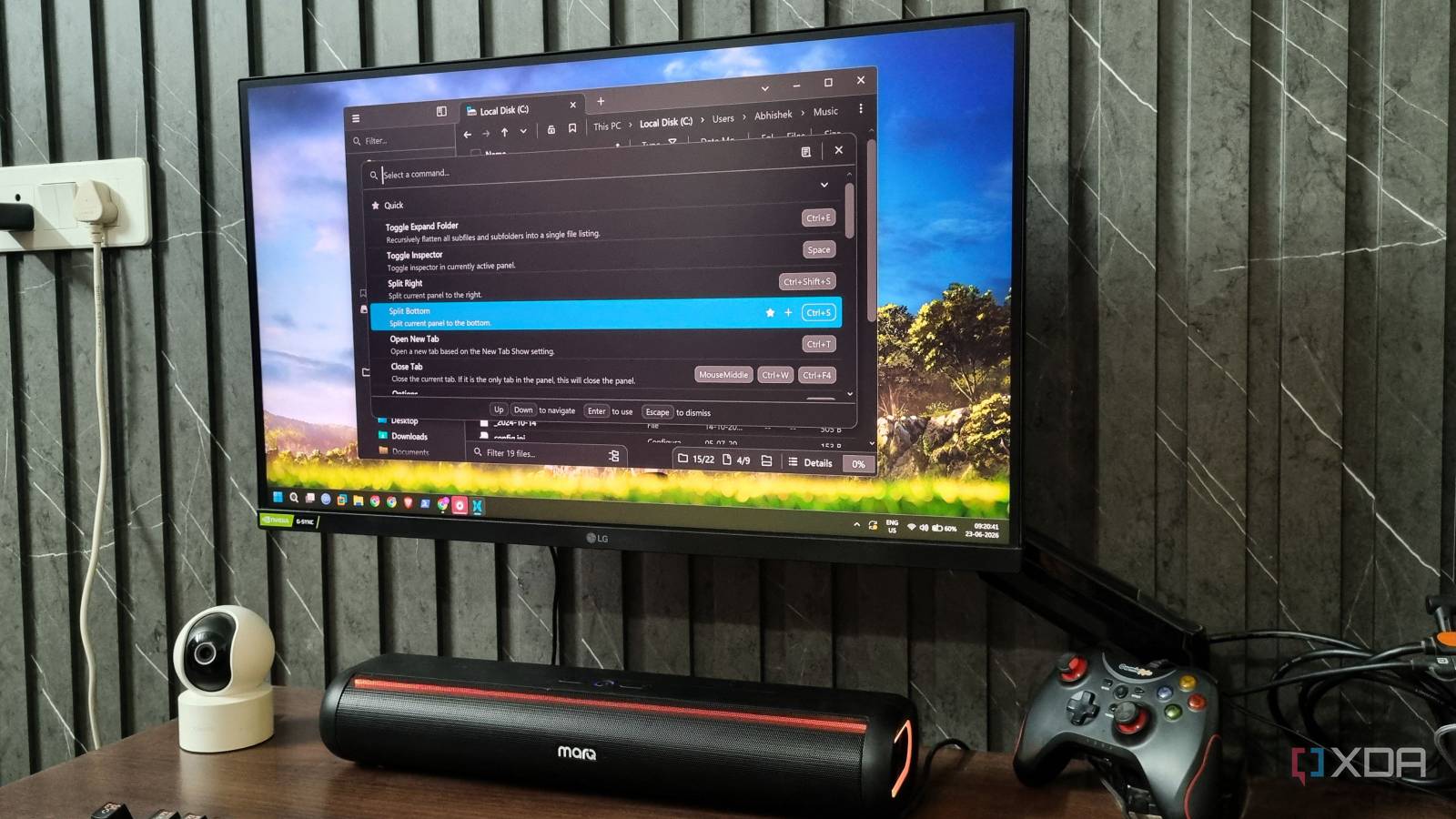
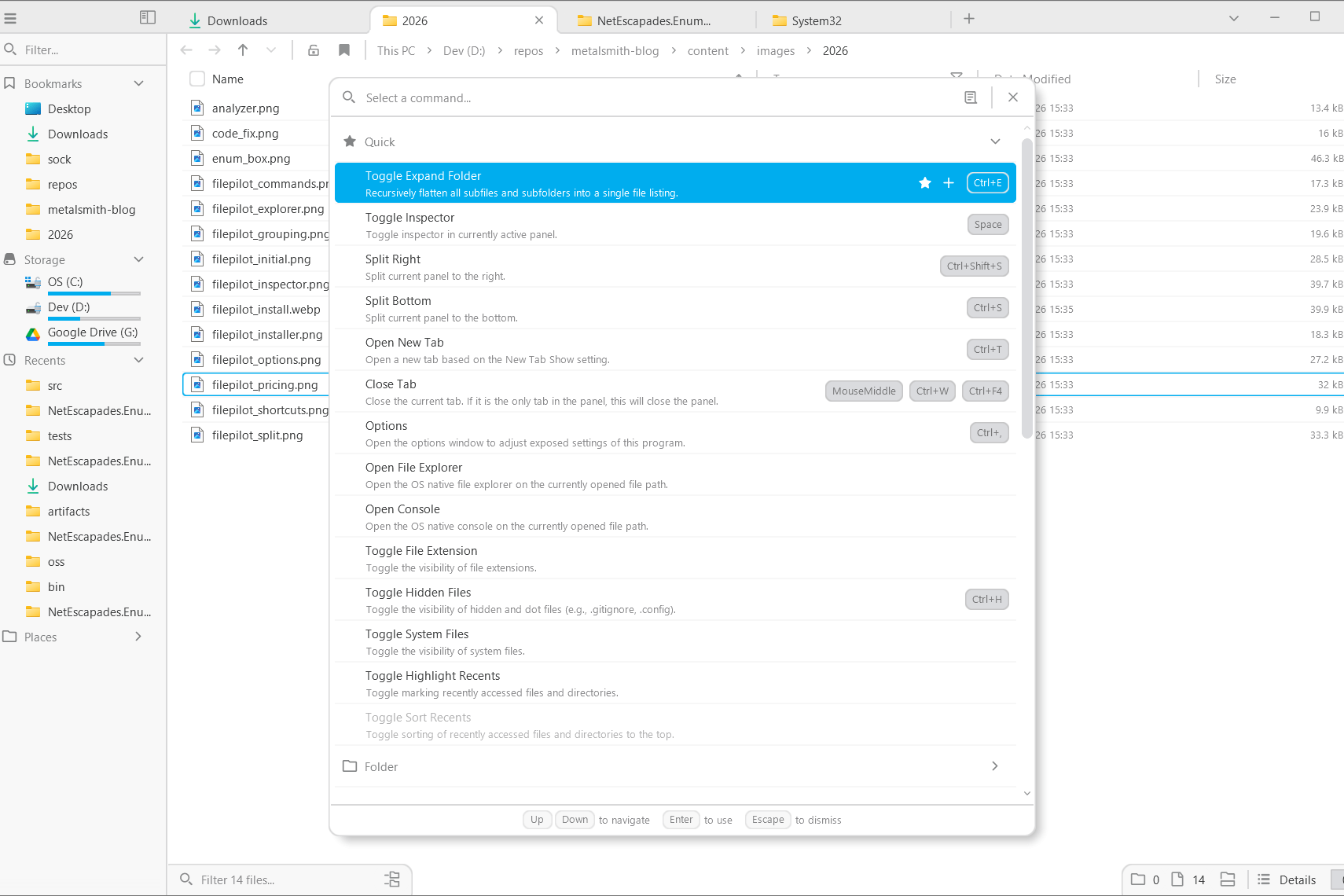
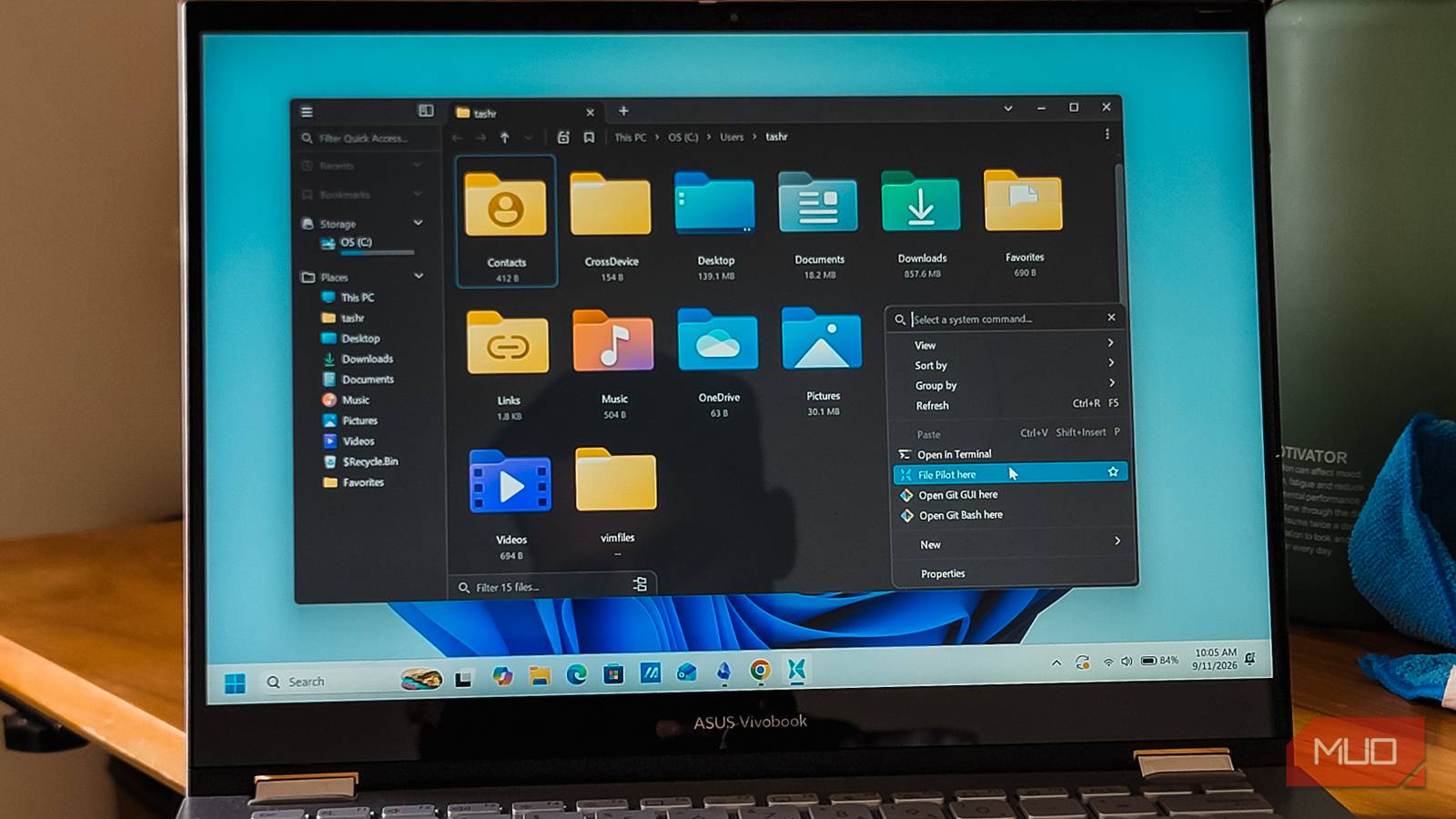
From panels and tabs to context menus and command palette, everything can be searched and accessed using both mouse and keyboard.
Personalized for you
Customize color themes, optimize hotkeys, and save and switch between layouts.
Files made simple
Features that make finding, inspecting and managing files feel second nature.
Panels & tabs
Create your perfect setup with any panel layout and open folders in new tabs, all easily arranged with simple drag and drop.
Search
View flattened folder hierarchies, including entire drives, in milliseconds. Perform fuzzy searches and filter by file extensions.
Inspector
Quickly peek into file contents, including text, images, or even other folders, without leaving the program.
Batch rename
Interactively rename multiple files at once, with options to generate unique IDs or use file dates.
GoTo
Access common system paths, recently visited folders, or navigate the file system quickly using autocompletion.
Command palette
Search globally for all actions and assign hotkeys, with rich support from the numpad to key sequences and aliases.
Context menu
Access system and third-party actions from the dropdown, and search or pin them for easier access.
Customization
Adjust font size and spacing, disable animations with one click, or opt for a different color scheme.
File Pilot by the numbers
File Pilot has grown with every release, from its first beta users to a community of long term supporters.
What others are saying
Independent reviews, videos and writeups from people who've spent real time using and exploring File Pilot.
First reactions!
The kind of things people say in their first few minutes with File Pilot.
Please rewrite all of Windows
Dude, this file manager is dope!!
This should be the default file explorer for Windows
Why can't all software be like this...
Can confirm this program rocks hard
It really goes wroom!
After years of using Windows Explorer, File Pilot feels like sorcery...
It just indexed my drive with 2.7 million files and didn't break or crash
This is beyond amazing
This is SO GOOD, maaaan, that's a masterclass.
BASED file manager
Fastest preorder of my life. It works so fast and smooth!
The UI is so responsive
5 minutes of usage sold me haha
Please rewrite all of Windows
Dude, this file manager is dope!!
This should be the default file explorer for Windows
Why can't all software be like this...
Can confirm this program rocks hard
It really goes wroom!
After years of using Windows Explorer, File Pilot feels like sorcery...
It just indexed my drive with 2.7 million files and didn't break or crash
This is beyond amazing
This is SO GOOD, maaaan, that's a masterclass.
BASED file manager
Fastest preorder of my life. It works so fast and smooth!
The UI is so responsive
5 minutes of usage sold me haha
I feel cool navigating my computer now 😄
That feeling of relief when software actually responds to inputs normally.
Whoa, File Pilot is so good
This is by far the best file explorer app I have ever seen
One of the best counter examples to the "don't reinvent the wheel" crowd.
It's hard to describe just how fast and responsive this is.
This thing is seriously awesome and I use it every day.
Feels faster than Windows Explorer
Aaaaaaaand pinned to taskbar
TIL searching files can work on Windows!
Fast as a rocket, looks visually amazing
The speed of File Pilot is sick
Everything is so snappy!
It makes it a breeze to work with file system!
It felt like it was opening folders before I clicked on them
I feel cool navigating my computer now 😄
That feeling of relief when software actually responds to inputs normally.
Whoa, File Pilot is so good
This is by far the best file explorer app I have ever seen
One of the best counter examples to the "don't reinvent the wheel" crowd.
It's hard to describe just how fast and responsive this is.
This thing is seriously awesome and I use it every day.
Feels faster than Windows Explorer
Aaaaaaaand pinned to taskbar
TIL searching files can work on Windows!
Fast as a rocket, looks visually amazing
The speed of File Pilot is sick
Everything is so snappy!
It makes it a breeze to work with file system!
It felt like it was opening folders before I clicked on them
Blazingly fast for real
Click next in install, it opens software, what MAGIC IS THIS?
HOW IS THIS WORKING PROPERLY?!
The drag and drop tabs to split them is so smooth
It's incredibly sleek and fast! Great job!
Makes you realize just how absurdly slow all other software is.
Works better than default file explorer even in beta phase
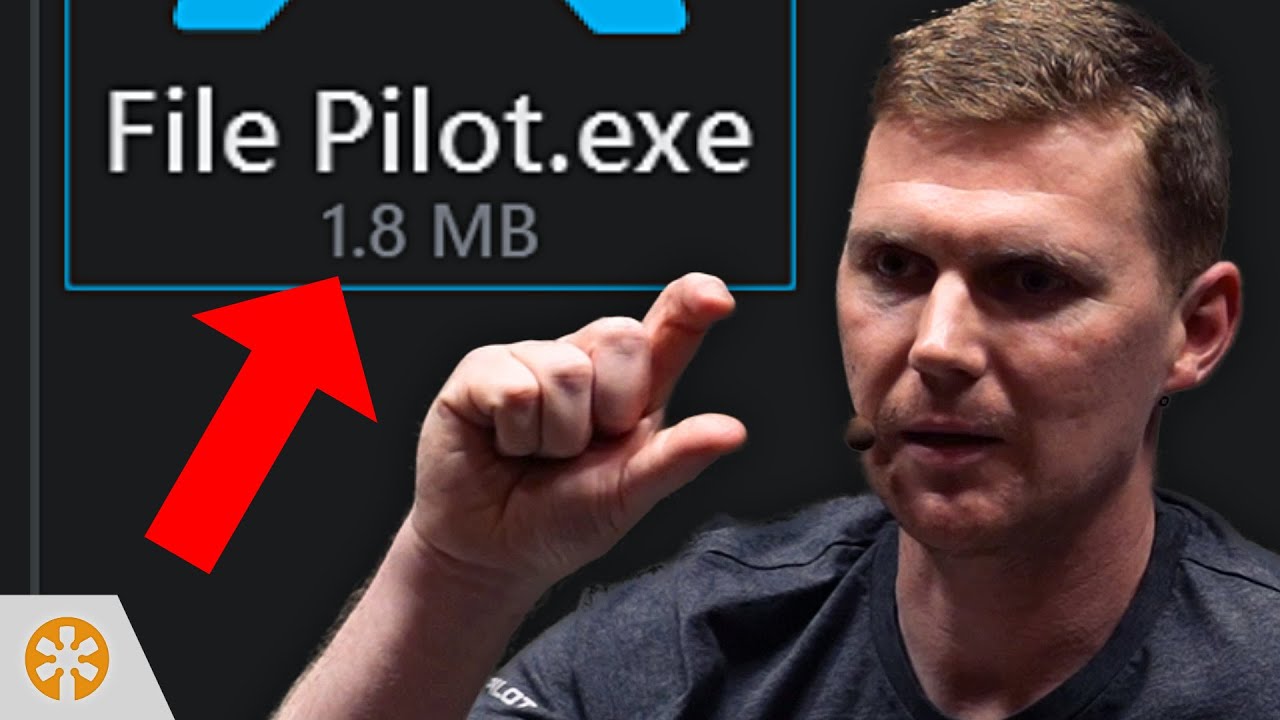
2MB for an explorer that outclasses everything
Light years ahead of File Explorer. Thank you thank you thank you!!!
Drinking from the holy grail now of fast and pretty
One of the finest software I have used.
FP launches so fast that it's almost like bringing it to foreground
The standard Windows File Explorer is an 800 year old turtle in comparison.
I love the SPACEBAR feature as well. Soooo good.
Blazingly fast for real
Click next in install, it opens software, what MAGIC IS THIS?
HOW IS THIS WORKING PROPERLY?!
The drag and drop tabs to split them is so smooth
It's incredibly sleek and fast! Great job!
Makes you realize just how absurdly slow all other software is.
Works better than default file explorer even in beta phase
2MB for an explorer that outclasses everything
Light years ahead of File Explorer. Thank you thank you thank you!!!
Drinking from the holy grail now of fast and pretty
One of the finest software I have used.
FP launches so fast that it's almost like bringing it to foreground
The standard Windows File Explorer is an 800 year old turtle in comparison.
I love the SPACEBAR feature as well. Soooo good.
Engineered from scratch
Technical talks exploring how File Pilot is built, from indexing and search to interface architecture, performance and a standalone executable.
File Pilot: Inside the engine
Better Software Conference / Jul 21, 2025
Why File Pilot compiles in 3 seconds
Wookash Podcast / May 30, 2026
File Pilot: Design meets performance
Wookash Podcast / Apr 19, 2025
File Pilot and a return to fast UIs
Scott Hanselman / Jan 1, 2026

Full speed ahead!
Download the free beta and see what it can do.
Beta v0.8.5
|
2.46 MB
|
Windows 7-11
Stay tuned
Join Discord for bugs and feature requests.
Subscribe for major updates.